The BAUHN Smart Tag Card can be disabled at any time to prevent it from sharing its location. Once disabled, it will stop reporting to Google’s Find Hub network, and the registered owner will no longer receive location updates.
If you receive a notification on your Android device indicating that an unfamiliar BAUHN Smart Tag Card has been detected nearby, you can make the card emit a sound directly from the system alert. After locating the card, follow the steps below to safely disable it. Once disabled, the owner will not receive further location information, and the card will no longer trigger unknown tracker alerts.
To Disable the BAUHN Smart Tag Card
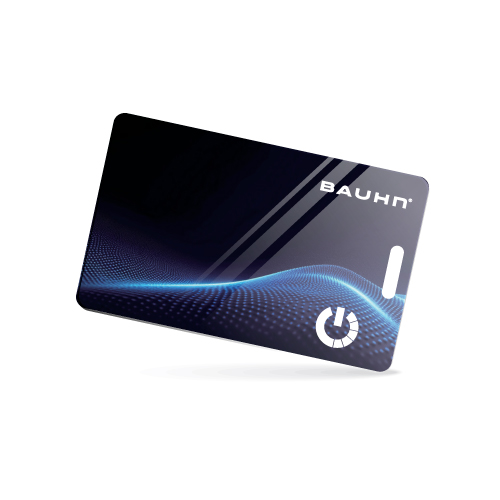
Locate the button on the front of the BAUHN Smart Tag Card.
Press the button three times. Then press and hold the button for three seconds. Four beeps will sound.
Re-Enabling the BAUHN Smart Tag Card
To reactivate the BAUHN Smart Tag Card, simply:
Press the button on the card once to re-enable tracking.
A confirmation sound will indicate that the device is active again.